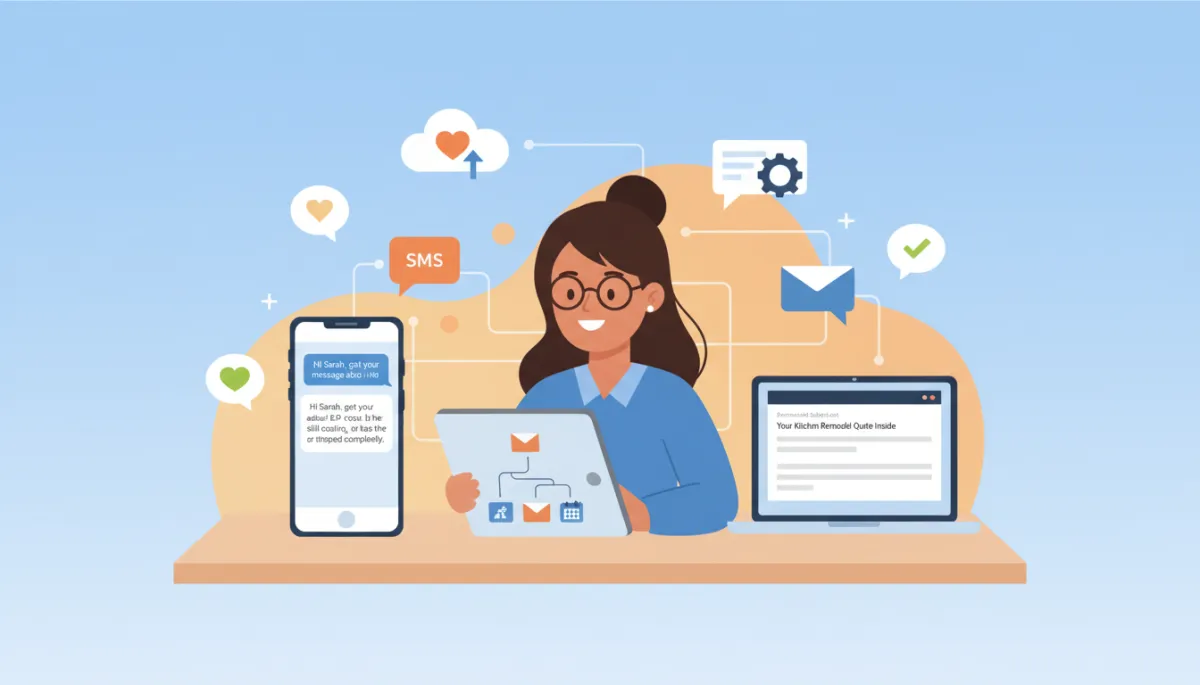
Automate Follow-Up with a Human Touch
Automation, Small Business, Automated Follow-Up, SimplySync AI
How to Automate Follow-Up Without Losing the Human Touch
Learn how to build automated follow-up sequences that feel personal, timely, and authentic while helping your business convert more leads and save time.
The Real Reason Follow-Up Falls Through the Cracks
Follow-up is where many sales opportunities quietly disappear. Most small business owners know they should follow up with every lead, quote, and missed call. But between serving customers, managing staff, answering the phone, and handling day-to-day fires, it is easy for even hot leads to get delayed, forgotten, or followed up only once and never again.
At the same time, many owners hesitate to use automated follow-up because they are worried it will sound cold, robotic, or pushy. They have seen bad automation before: generic messages, stiff language, and way too many texts or emails.
Here is the shift: good follow-up automation does not replace the human touch; it protects it. It creates a reliable system so that every lead gets timely, relevant communication instead of slipping through the cracks. Tools like SimplySync AI help you build those systems so your follow-up is consistent and still feels personal.
💡 Key idea: People do not care whether you typed a message by hand. They care whether it is helpful, relevant, and respectful of their time.
How Do You Automate Follow-Up Without Sounding Robotic?
Short answer: Use automation for timing, structure, reminders, and consistency. Use personalization, segmentation, conversational language, and human handoffs to keep the experience authentic.
Segment leads by source, service, urgency, and stage
Reference the specific reason they reached out (quote, form, missed call, referral, etc.)
Use normal human language, not stiff corporate scripts
Send messages at the right time and avoid late-night or rapid-fire messages
Avoid over-messaging; give people space to respond or say no
Let people reply via SMS or email and reach a real human quickly
Escalate high-intent, urgent, or complex conversations to your team automatically
In the rest of this guide, we will walk through a step-by-step framework you can use to build follow-up automation that feels like a helpful human, not a robot—with SimplySync AI as the system behind the scenes.
Why Most Automated Follow-Up Feels Fake
When people say they “hate automated messages,” they are usually reacting to badly designed automation. Common problems include:
Generic messages: “Dear customer, thank you for your inquiry” with no mention of what they actually asked for.
Overly formal language: Phrases like “we value your business” that no real person uses in a text message.
Ignoring context: Asking “How can we help?” when the person already told you exactly what they need in a form or call.
Too many messages: Back-to-back reminders that feel like spam rather than support.
Repeating questions: Asking for information the lead already gave, like address or service type.
No option to reach a human: People reply with a real question and get ignored or stuck in a loop.
Over-automation: Triggering a full sequence after every tiny action, like one website visit or a newsletter signup.
The truth is, people do not care whether your automated lead follow-up was typed in real time or sent automatically. They care whether it feels relevant, timely, and helpful to them in that moment. When follow-up is done well, many customers will never know it was automated—and they will not mind if they do.
SimplySync AI helps businesses avoid “fake-feeling” automation by using real customer context, your brand voice, CRM data, and smart timing instead of generic templates. That means your SMS follow-up automation, email follow-up automation, and CRM follow-up automation all work together in a way that sounds like you, not a script.
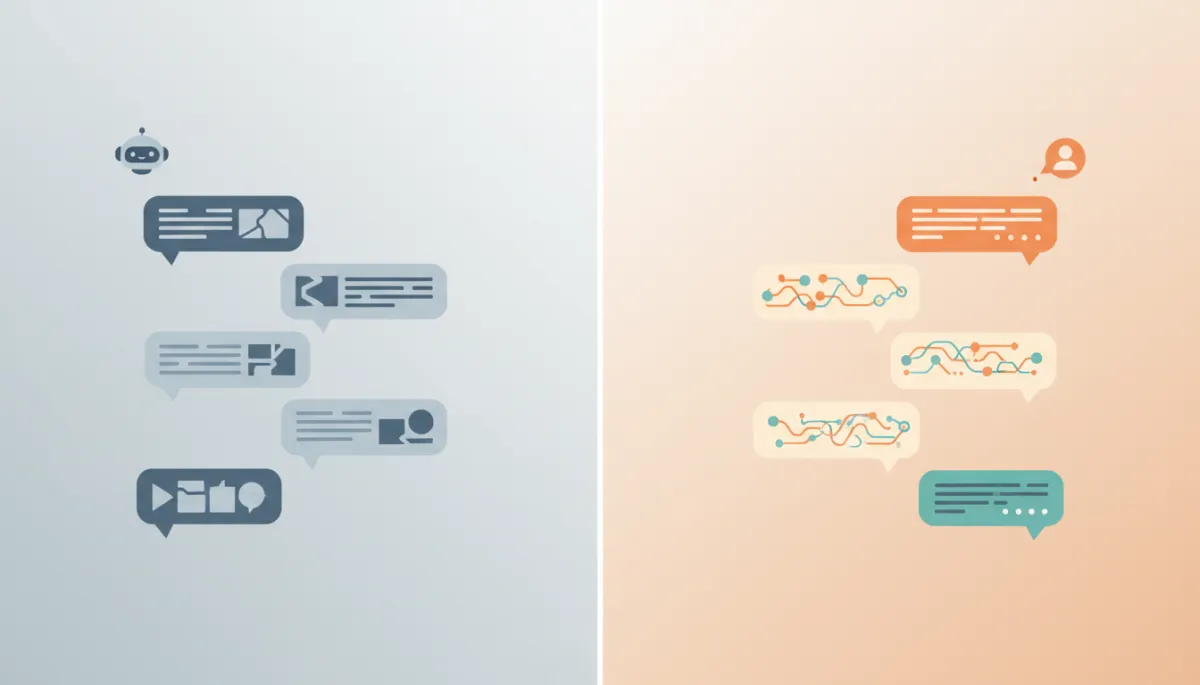
The difference between bad and good follow-up automation is context, tone, and timing.
What the Human Touch Actually Means in Follow-Up
“Human touch” does not mean someone on your team has to manually type every text and email. It means the experience feels human. In practice, that looks like:
Relevance: The message clearly relates to what they asked for or did.
Good timing: You respond quickly when it matters and follow up later without being pushy.
Personality: Your brand’s tone comes through—friendly, calm, professional—rather than sounding like a form letter.
Context awareness: You remember what they told you, their last step, and where they are in the process.
Empathy: You acknowledge urgency, frustration, or hesitation instead of ignoring it.
Easy access to a real person: When they are ready to talk, they can reach someone quickly.
Compare these two messages for an HVAC company:
Bad: “Dear valued customer, thank you for your inquiry. A representative will contact you shortly.”
Better: “Hi Sarah — got your message about AC repair. Is the system still cooling, or has it stopped completely?”
The second message could absolutely be sent through AI follow-up or an automated workflow. It feels human because it is specific, uses a first name, and asks a simple, relevant question that shows you understand the situation.
What Should Be Automated and What Should Stay Human?
Always Automate These Follow-Up Tasks
Instant acknowledgments when a lead fills out a form, calls, or messages you
Appointment reminder automation (day before, day of, and confirmation)
Confirmation messages for bookings, payments, and submissions
Review requests after a completed job or appointment
Basic sales follow-up automation sequences for new leads and quotes
No-response check-ins when someone has not replied after a few days
CRM task creation so your team is reminded to call or follow up manually
Sometimes Automate, Sometimes Human
Common questions (hours, service areas, basic pricing ranges)
Lead qualification (budget range, timeline, service type)
Scheduling and rescheduling using links or automated booking flows
Quote follow-up automation with personalized nudges and reminders
Re-engagement campaigns for inactive leads or past customers
Keep These Conversations Human
Complaints and service issues that require real listening and resolution
Complex objections or detailed project discussions
Pricing negotiation and custom proposals
Sensitive topics (health, legal, financial, personal circumstances)
High-value sales conversations where relationship matters most
SimplySync AI is designed to recognize when a conversation should stay automated and when it is time for a person to step in. That way, your automated customer communication handles the routine touches while your team focuses on the moments that truly require judgment and empathy.
Step 1 — Segment Your Leads Before You Follow Up
One-size-fits-all follow-up automation is the fastest way to sound robotic. A missed call, a quote request, and a no-show should not all get the same message. Before building any sequence, decide how you will segment your leads so each path feels tailored.
Useful ways to segment:
Lead source: Website form, phone call, Facebook ad, Google ad, referral, walk-in, etc.
Service interest: AC repair vs. AC install, facial vs. filler, buyer vs. seller in real estate.
Urgency: Emergency (today), soon (this week), planning (next few months).
Buyer stage: New lead, quote sent, appointment booked, no-show, past customer, inactive lead.
Engagement level: Opened emails, clicked, replied, or completely silent.
For example, a missed call might receive: “Sorry we missed your call—was this about [service]?” while someone who requested a quote might get: “Hi Alex, just checking in on the roof estimate we sent yesterday. Any questions I can clear up?”
SimplySync AI can use your small business follow-up system data—CRM fields, forms, call tracking, and lead source tags—to automatically route each contact into the right follow-up path without your team having to think about it.
Step 2 — Write Like a Human, Not a Template
Automation often “feels automated” because the writing sounds like a policy document. To keep your AI lead nurturing and follow-up sequences feeling natural, apply a few simple rules:
Use contractions: “we’re,” “you’ll,” “it’s” instead of “we are,” “you will,” “it is.”
Keep messages short—especially SMS. Aim for 1–3 short sentences.
Ask one clear question per message to invite a reply.
Mention the specific service or request so it feels tailored.
Avoid corporate phrases like “valued client,” “your business is important to us,” or “this message is to inform you.”
Read messages out loud. If you would not say it that way, rewrite it.
Before-and-After Follow-Up Examples
Before (template-style): “Thank you for your interest. A representative will contact you shortly.”
After (human-style): “Thanks for reaching out about your kitchen remodel. Are you hoping to start soon, or just exploring options for later this year?”
Before (generic quote follow-up): “We recently sent you a quote. Please let us know if you’re interested in proceeding.”
After (quote follow-up automation): “Hi James, just checking in on the fence repair estimate we emailed on Tuesday. Do you have any questions, or would you like to lock in a date?”
SimplySync AI can help you turn stiff, old templates into natural, conversational personalized automation that matches your brand’s voice across SMS and email.
Step 3 — Build a Simple 14-Day Follow-Up Sequence
You do not need a 90-day, 20-message campaign to see results. A simple, thoughtful 14-day sequence can dramatically improve conversions for new leads and quotes. Here is a sample structure you can adapt for your business:
Sample 14-Day Automated Follow-Up Sequence
Day 0 – Instant acknowledgment (SMS or email): Confirm you got their request and set expectations. “Got your message about [service]. We’ll review and get back to you within [timeframe]. If it’s urgent, you can call us at [number].”
Day 0 – Later that day – Initial value: Share next steps or answer common questions. “While you’re waiting, here’s a quick guide on what to expect with [service].”
Day 1 – Check-in: Ask if they received the info and offer a clear next step. “Did you get the estimate we sent yesterday? If you’d like to move forward, you can reply ‘YES’ and we’ll call to schedule.”
Day 3 – Social proof: Share a short story, review, or before/after. “We recently helped a neighbor on [street] with the same issue. Here’s what they said…”
Day 7 – Helpful resource: Provide value without pressure. “Even if you’re not ready yet, this checklist can help you compare options for [service].”
Day 10 – Direct ask with easy out: “Still interested in [service], or should we close out your quote for now? No pressure either way.”
Day 14 – Final touch before long-term nurture: “We’ll step back so we don’t crowd your inbox, but if you need [service] later, you can reply here and we’ll jump back in.”
SimplySync AI can build this sequence across SMS, email, and CRM tasks, branching into different paths based on how leads respond. For example, if someone replies “not ready yet,” they can automatically move into a lighter, long-term nurture track instead of continuing the main sequence.
Step 4 — Use AI to Personalize the Message
AI is powerful when it is used to make your automated lead follow-up more relevant—not to pretend a human typed every word. With the right setup, AI can:
Reference the original inquiry (for example, “bathroom remodel,” “teeth whitening,” “3-bedroom rental in Oakwood”).
Summarize what the lead asked for in their own words and reflect it back to them.
Adjust tone based on your brand (warm and casual vs. more formal but friendly).
Suggest the next best message based on their stage and past engagement.
Identify urgency from phrases like “no heat,” “leaking,” or “need this week.”
Draft responses for your team to review and send with one click when needed.
With SimplySync AI, AI-driven personalization sits inside your lead nurturing automation and CRM workflows. It uses the data you already collect to craft messages that feel like a thoughtful follow-up from your team, not a random blast from a list.
Step 5 — Create Human Handoff Rules
The most important part of any automated follow-up system is knowing when to bring in a human. Clear handoff rules prevent leads from getting stuck in automation when they actually want to talk to someone.
When Should Automation Alert a Person?
The lead replies with a specific question (for example, “Do you work on tankless water heaters?”).
The lead asks for pricing or says they are ready to book.
The lead expresses urgency (“asap,” “today,” “emergency,” “no heat,” “leak”).
The lead expresses frustration or mentions a bad past experience.
The lead mentions a competitor or comparison shopping directly.
The lead is tagged as high-value based on budget, property type, or service.
What a Good Handoff Includes
Lead’s name and contact info
Original inquiry or form submission details
Conversation history from SMS/email so far
Lead source and campaign (if applicable)
Current CRM stage (new lead, quote sent, etc.)
Recommended next action (call now, send custom quote, schedule visit)
SimplySync AI keeps all this context inside your CRM and notifies the right person on your team, so handoffs feel smooth instead of starting from scratch with “So, how can we help you today?”
Examples of Follow-Up Automation That Still Feels Human
Example 1: Home Service Quote Follow-Up
A customer requests an estimate for roof repair but does not book right away.
Day 0: “Hi Maria, thanks for reaching out about your roof leak. We’ll have your estimate ready by this afternoon.”
Day 1: “Did you get the estimate we sent yesterday? Any questions I can clear up?”
Day 3: “We just finished a similar repair on Maple Street. Their main concern was avoiding future leaks—we used the same approach we recommended for you.”
Day 7: “Here’s a quick guide on how to compare roof repair quotes so you know what to look for.”
Example 2: Real Estate Buyer Lead
A buyer submits an inquiry on a 3-bedroom home in a specific neighborhood.
Instant: “Thanks for your interest in 123 Oakwood Dr. Are you already working with an agent, or would you like help scheduling a showing?”
Next day: “Here’s a quick neighborhood guide for Oakwood—schools, commute times, and average prices.”
Day 3: “I have showing times available Thursday afternoon and Saturday morning. Which works better for you?”
Example 3: No-Show Recovery
A prospect misses a scheduled consultation or appointment.
Immediately: “Hey John, we missed you for your 3 pm consult today. No worries—things happen. Want to reschedule?” (with a link)
Day 2: “Just checking in—would you still like help with [service], or should we close this out for now?”
These flows can all be powered by SimplySync AI, combining SMS follow-up automation, email follow-up automation, and CRM updates behind the scenes while keeping the tone friendly and human.
How to Measure Follow-Up Automation Success
Open rates and click rates are helpful, but they are not the whole story. The real question is: Are more leads turning into conversations, appointments, and customers? Track metrics such as:
Average response time to new leads (before vs. after automation)
Reply rate to automated SMS and email sequences
Appointment booking rate from new leads
Show rate for booked appointments (before and after reminders)
Quote-to-close rate with quote follow-up automation in place
No-show recovery rate (how many rebook after a no-show sequence)
Follow-up completion rate (how often sequences actually run to plan)
Opt-out rate (to ensure you are not over-messaging)
SimplySync AI can tie these metrics back to revenue so you can see how much additional business your sales follow-up automation and appointment reminder automation are creating—often in leads you were already paying for but not fully converting.
Common Follow-Up Automation Mistakes to Avoid
Sending too many messages too quickly, which feels like spam rather than support.
Using the same message for every lead, regardless of source or stage.
Making messages too long, especially in SMS follow-up automation.
Not monitoring replies and letting conversations die in an inbox or CRM.
Failing to set clear human handoff rules, so no one knows who owns what.
Automating sensitive or high-stakes conversations that require empathy and nuance.
Not updating templates over time based on what actually works and what does not.
Failing to connect automation to your CRM, so data and context are scattered.
💡 Pro tip: Review your automated sequences every few months. Look at reply rates, bookings, and opt-outs, then adjust wording and timing with help from SimplySync AI’s insights.
FAQs About Automated Follow-Up for Small Businesses
What is automated follow-up?
Automated follow-up is a system that sends timely SMS, emails, and CRM tasks based on triggers—such as a new lead, quote sent, appointment booked, or no-show—without you having to remember each step manually. Done well, it creates consistent, helpful touchpoints that move people from inquiry to appointment to happy customer.
How do I automate follow-up without sounding robotic?
You automate follow-up without sounding robotic by segmenting leads, using specific context, writing in a natural voice, timing messages appropriately, and giving people an easy way to reach a human when needed. Use automation for timing and structure; use personalization, conversational language, and human handoffs to keep the experience authentic.
What is the best follow-up sequence for small businesses?
There is no single “best” sequence, but many businesses see strong results with a simple 14-day structure: instant acknowledgment, quick value, day-1 check-in, day-3 social proof, day-7 helpful resource, day-10 direct ask with easy out, and day-14 final touch before long-term nurture. SimplySync AI can help you adapt this framework to your services and sales cycle.
Should follow-up be done by SMS or email?
Ideally, both. SMS is great for quick responses, appointment reminders, and simple questions, while email works well for longer information, resources, and quotes. A good small business follow-up system uses SMS for speed and email for depth, coordinated through your CRM so nothing gets duplicated or missed.
Can AI follow up with leads automatically?
Yes. With platforms like SimplySync AI, AI follow-up can handle first responses, answer common questions, and nurture leads based on their behavior and stage. The key is to set clear boundaries and handoff rules so AI supports your team instead of replacing human judgment where it is needed.
When should a human take over from automation?
A human should take over when a lead is ready to book, has a complex question, expresses frustration, discusses sensitive topics, or is a high-value opportunity. Your CRM follow-up automation should flag these situations and notify the right team member with the full context so they can step in smoothly.
How many follow-up messages should I send?
For new leads and quotes, 6–8 touches over 10–14 days is a good starting point, mixing SMS and email. After that, move people into a lighter, long-term nurture rhythm (for example, one helpful email or text every few weeks). Watch opt-out rates to make sure you are not overdoing it, and adjust pacing with data from SimplySync AI.
Can automated follow-up improve conversion rates?
Absolutely. Many small businesses see significant jumps in response rates, booked appointments, show rates, and closed deals when they implement thoughtful automated follow-up. The biggest gains often come from leads you were already generating but not consistently following up with before.
What follow-up tasks can SimplySync AI automate?
SimplySync AI can automate new lead responses, quote follow-up, appointment reminder automation, no-show recovery, review requests, long-term nurture, and internal CRM task creation. It also helps you build AI-powered workflows, measure ROI, and decide when to hand conversations to a human—so your follow-up stays timely, relevant, and human.
Build Automated Follow-Up That Protects the Human Touch
Automation does not have to mean cold, robotic messages. When you segment your leads, write like a real person, build a simple sequence, use AI for context, and define clear human handoff rules, your follow-up becomes more human, not less. Every lead gets acknowledged. Every quote gets a reminder. Every no-show gets a second chance.
SimplySync AI helps small businesses create automated follow-up systems that respond quickly, nurture leads, book appointments, update the CRM, and hand off conversations when a real person is needed. If your leads are falling through the cracks or your team is tired of chasing every follow-up manually, it may be time to build a smarter system.
📌 Next step: Explore how SimplySync AI can help you design and launch your own human-friendly follow-up workflows across SMS, email, and your CRM—so you can serve more people without sacrificing the personal touch that sets your business apart.
Suggested CTA Button: Build Your Automated Follow-Up System